
CatalogShot for Shopify

AI that understands every product and generates scenes that fit.

Other tools give you the same preset scenes for every SKU. CatalogShot looks at each product — a board game gets Library Shelf, a candle gets Cozy Bath, a serum gets Marble Counter — then generates lifestyle images that actually fit. Built for non-apparel Shopify catalogs — including jewelry, accessories, and footwear, even shown on a model.

Watch the 70-second overview
  • Multiple scenes per product, tailored to what it actually is — not preset templates
  • Bulk-generate across your catalog
  • Approve and push back to Shopify in one click
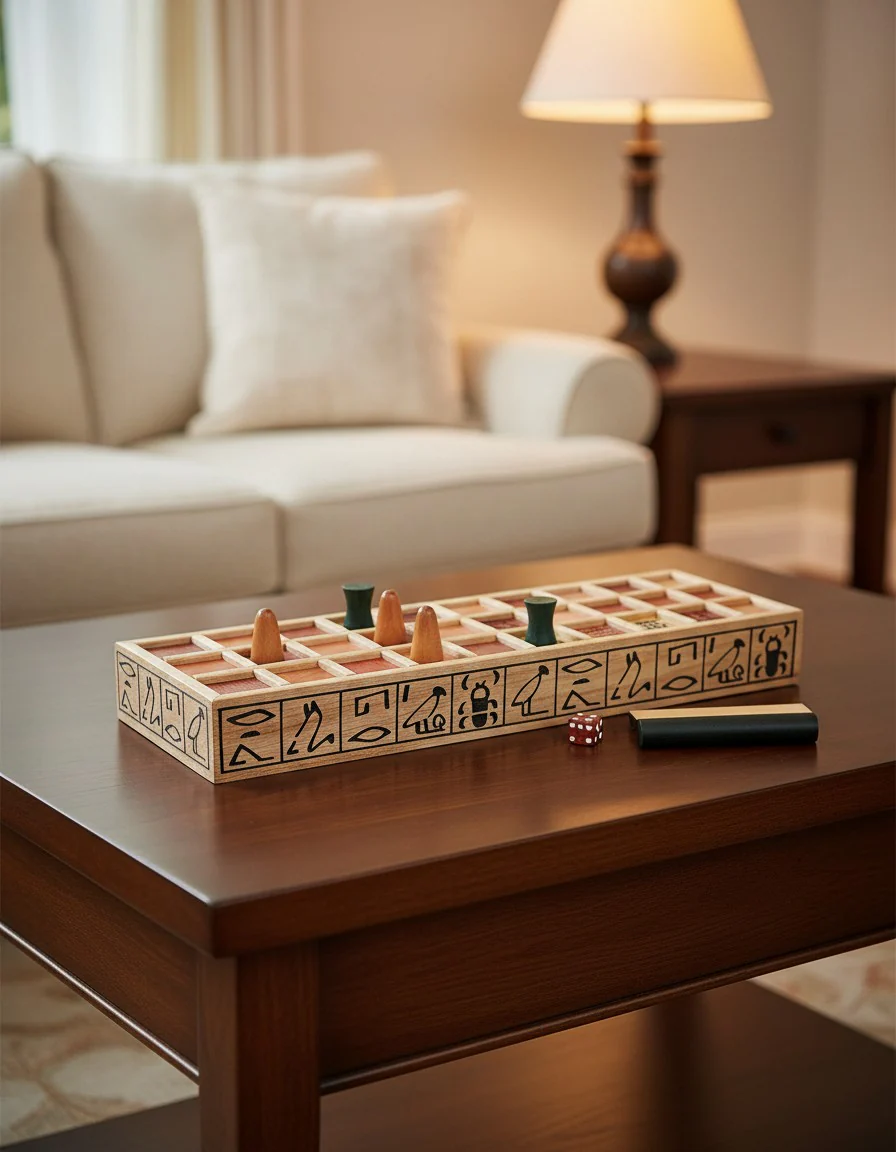
A Senet board game generated by CatalogShot, styled on a coffee table in a warm living room — the Cozy Evening Play scene the AI proposed for this product.
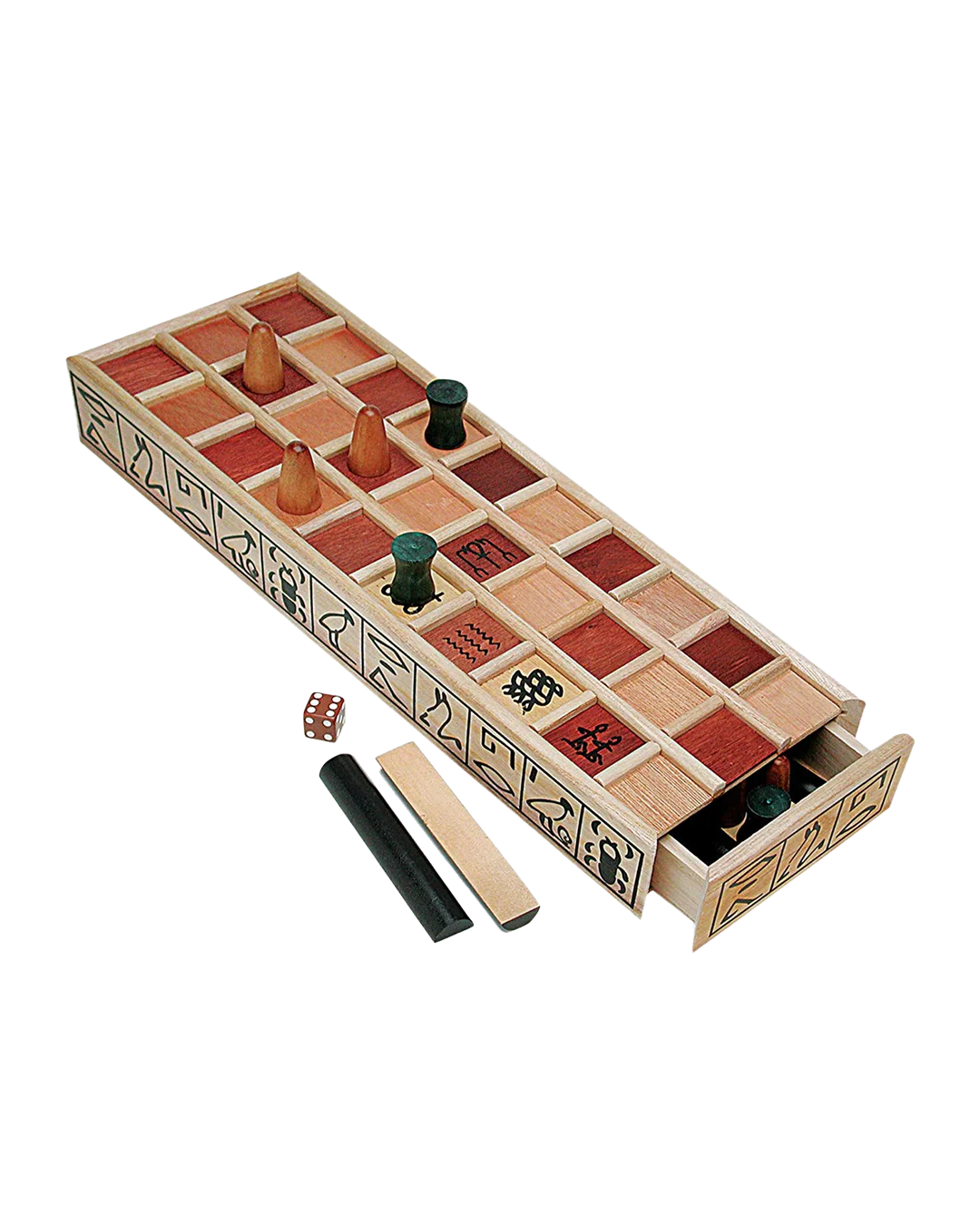
The original Senet board game packshot the merchant uploaded to Shopify, before CatalogShot.

Everyone sells with the same supplier photos. Be original.
AI-generated lifestyle photo of a necklace
AI-generated lifestyle photo of a board game
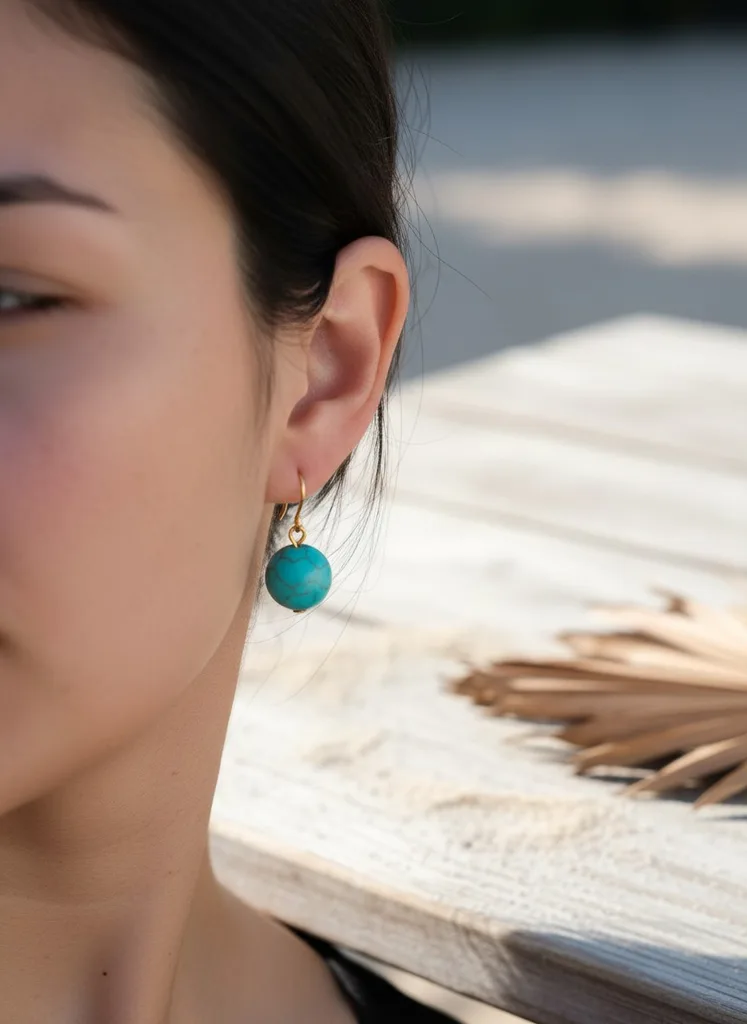
AI-generated lifestyle photo of earrings
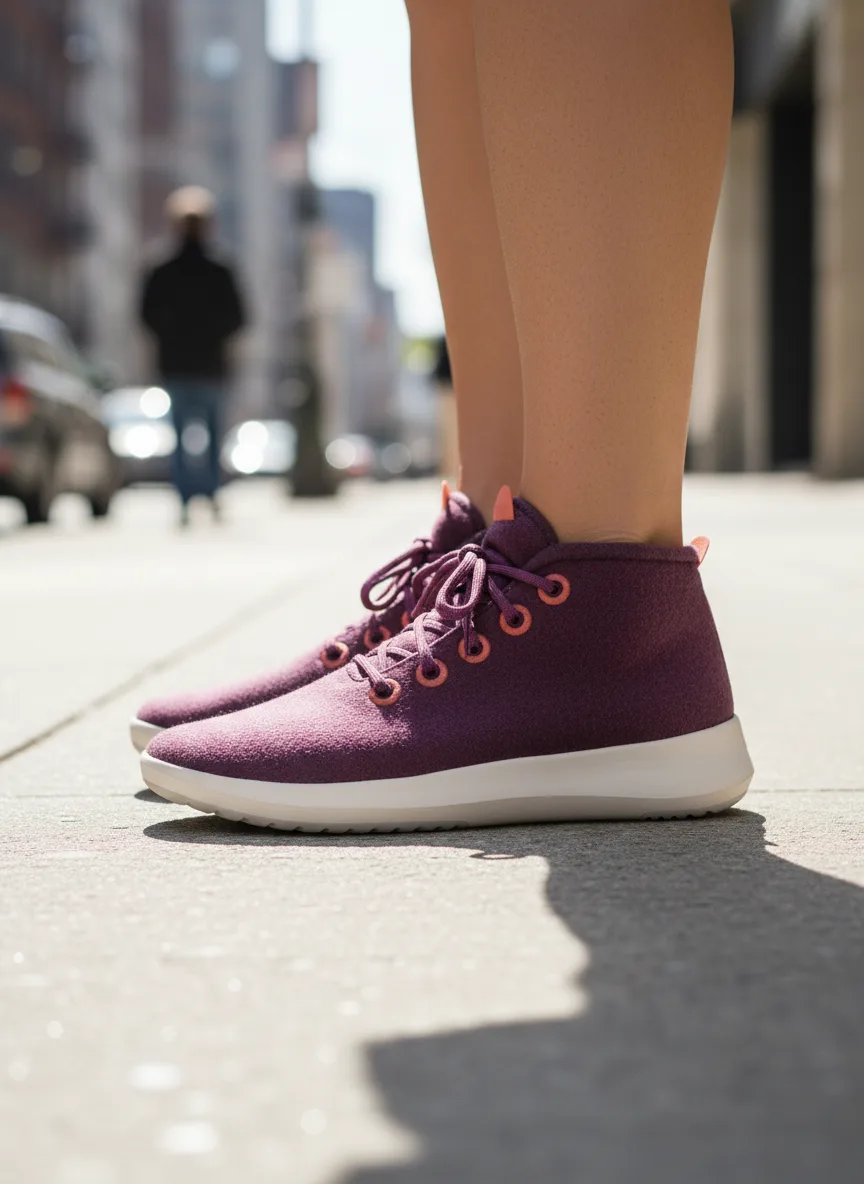
AI-generated lifestyle photo of a sneaker worn on the feet
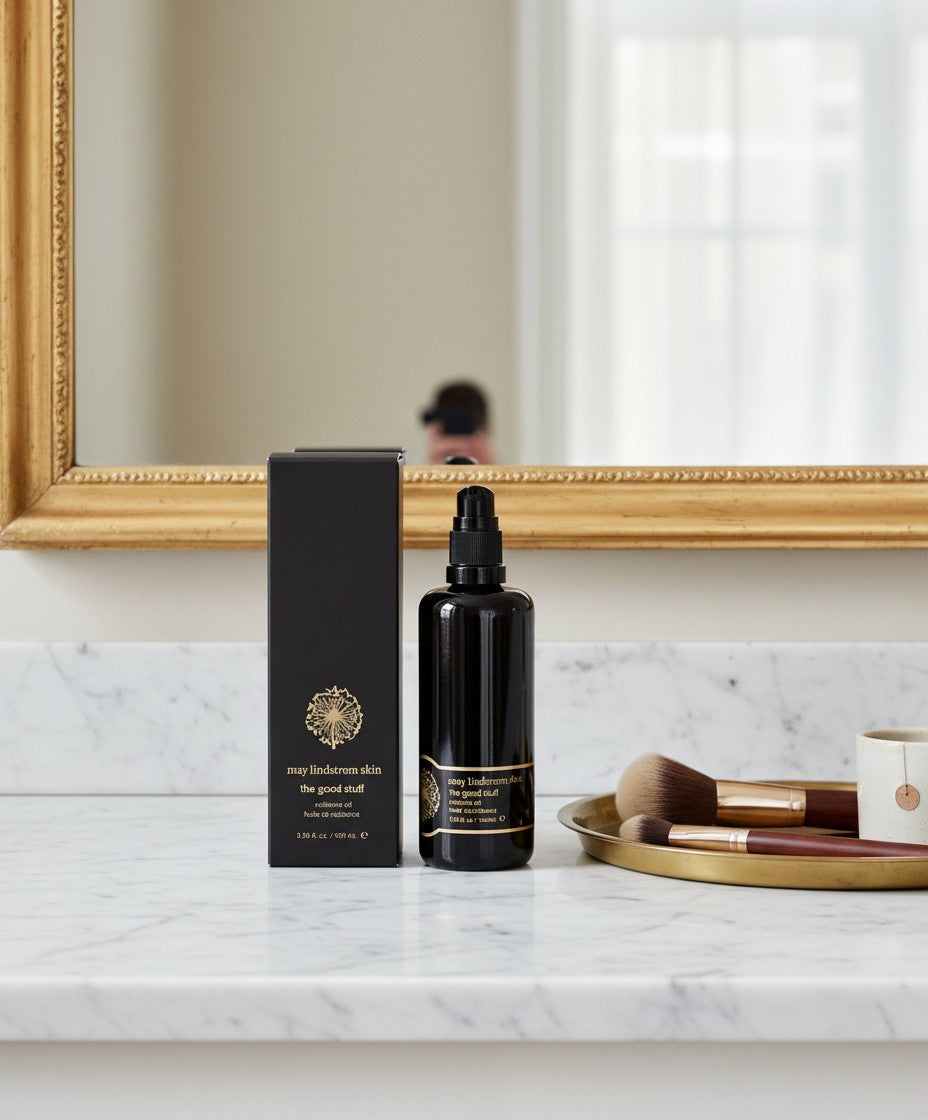
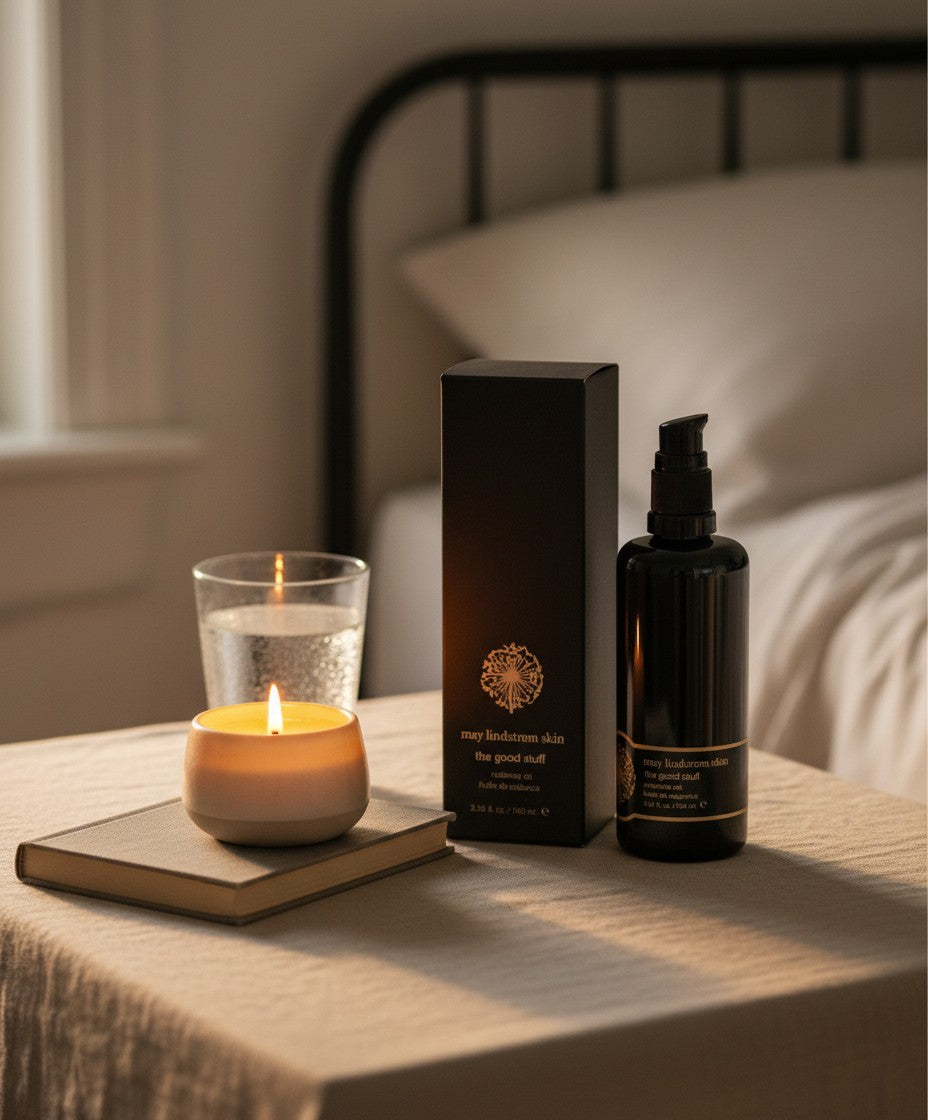
AI-generated lifestyle photo of a skincare product
AI-generated lifestyle photo of a ring
AI-generated lifestyle photo of a skincare product

Per-product scene intelligence

Different products. Different scenes.

The same app sees every product differently. You don’t invent the scenes — the AI proposes the right ones for each SKU.

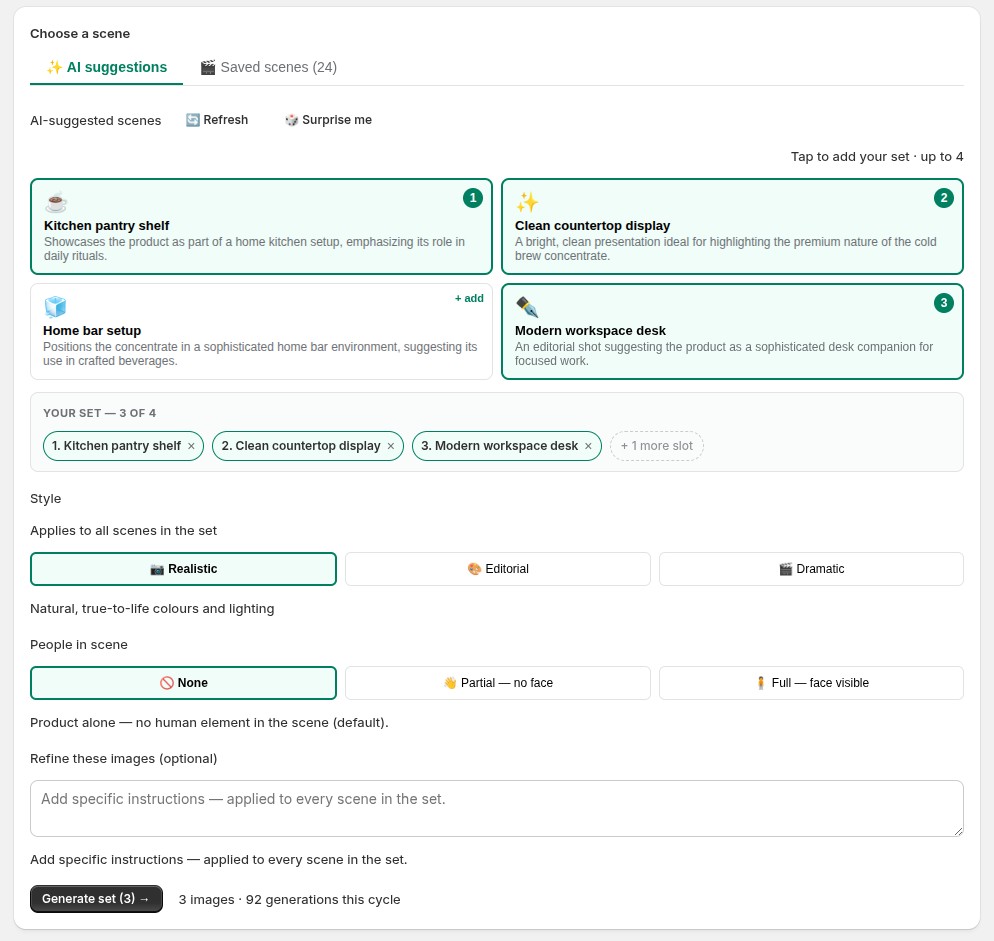
CatalogShot scene picker UI: four AI-proposed scenes for a product (Kitchen Pantry Shelf, Clean Countertop Display, Home Bar Setup, Modern Workspace Desk), three of them tapped into a set, plus Style, People-in-scene (None / Partial / Full), a free-text Refine field, and a Generate set button.
For every product, the AI proposes scenes that fit — tap up to four into a set and generate them in one click. Pick a style, choose how prominently a person appears (None / Partial / Full), and refine with a line of plain text. Every control on one screen.

Senet board game

  • Ancient Artifact Display
  • Library Shelf Display
  • Scholarly Desk Setup
  • Cozy Evening Play

Soy candle

  • Cozy Bath Setting
  • Wooden Tray Styling
  • Bookshelf Reading Nook
  • Cozy Home Evening

Skincare serum

  • Marble Counter
  • Morning Routine
  • Spa Setting
  • Bathroom Shelf

Composition control

Three ways to show your product.

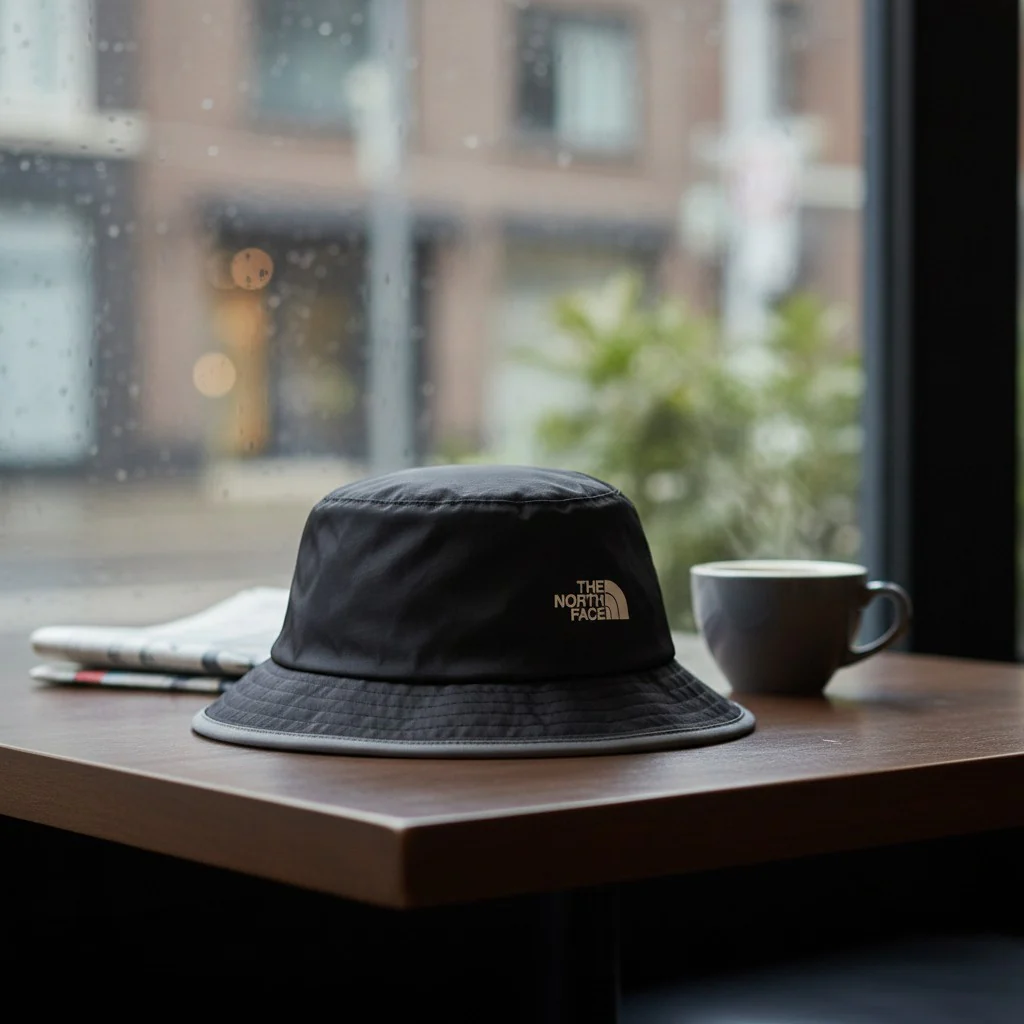
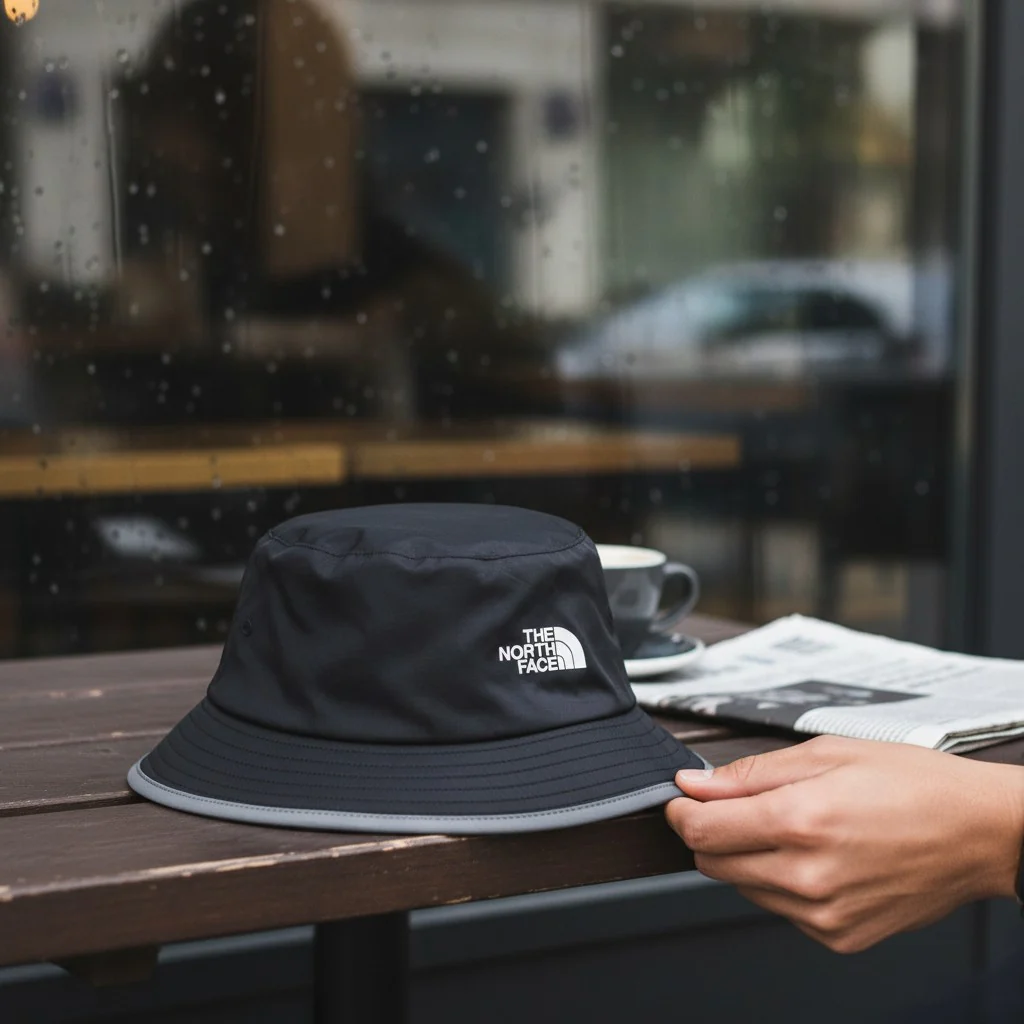
Same product. Three composition modes. One click each — and the merchant decides whether a person appears.

A black North Face bucket hat alone on a wooden café table by a rain-streaked window — composition: None.

None

Product alone in the scene. The right default for most product pages.

A hand resting on a black North Face bucket hat on a wooden café table — composition: Partial, hand only, no face.

Partial

A hand, arm, or partial adult figure — no face in frame. Good for products in use.

A man at a city café table in the rain, wearing a black North Face bucket hat — composition: Full, face visible.

Full

A full adult with face visible. For wearables and lifestyle context.

Jewellery

From flat packshot to styled scene.

Your real product stays pixel-perfect — same colors, same proportions — placed in a scene or worn, in seconds. The same workflow that runs across the rest of your catalog.
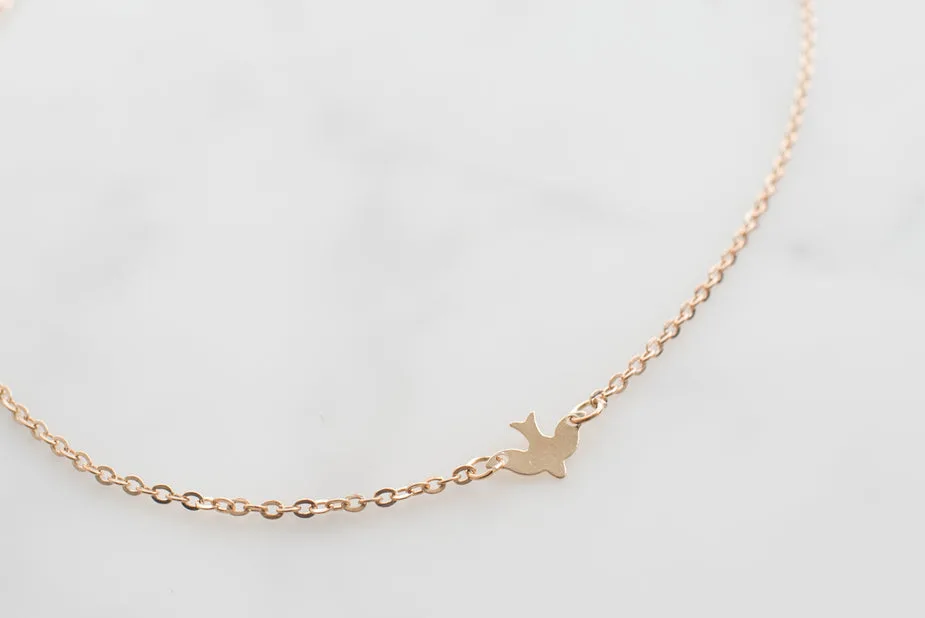
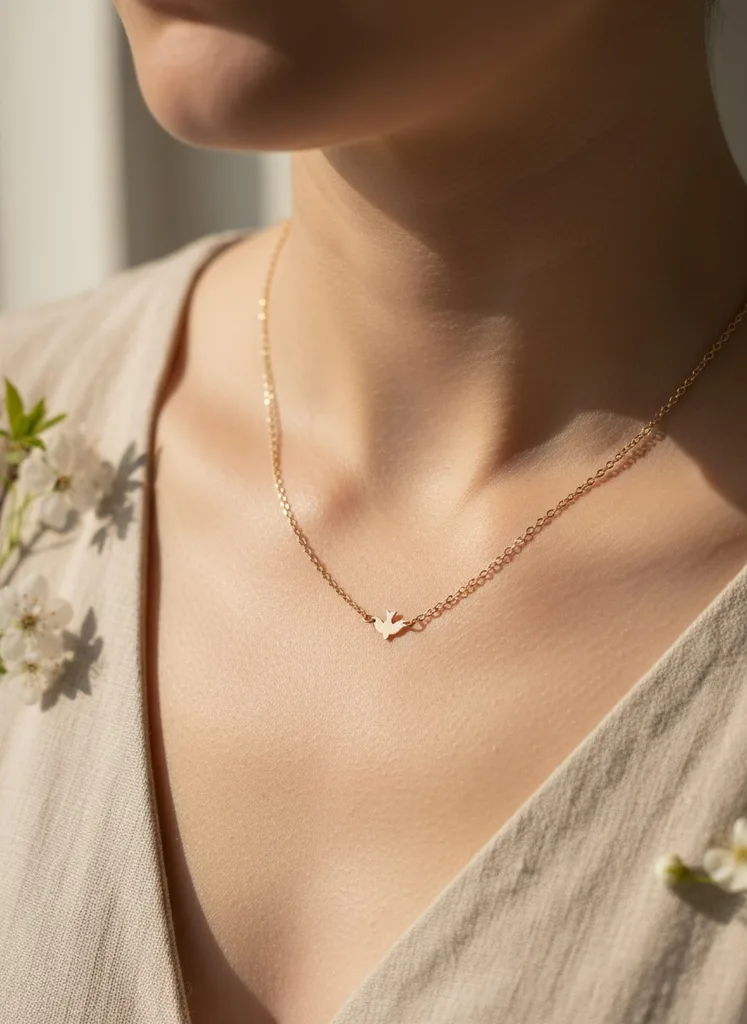
Before Original gold bird pendant necklace packshot on a plain background, as uploaded to Shopify.
After The same gold bird pendant necklace, generated by CatalogShot into a styled lifestyle scene.
Gold bird pendant necklace
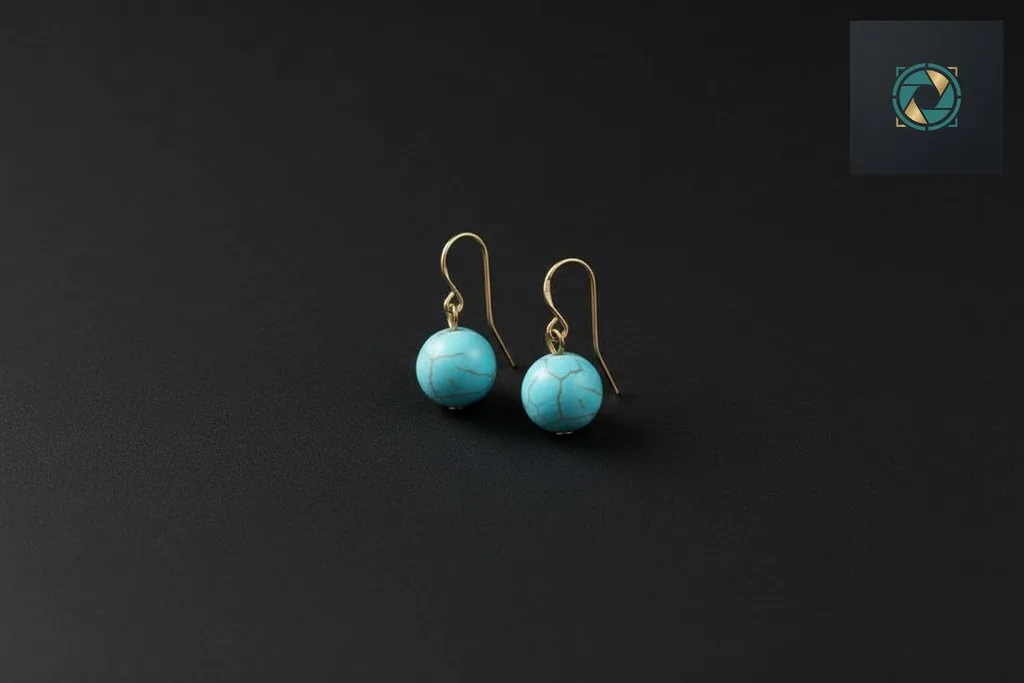
Before Original earrings packshot on a plain background, as uploaded to Shopify.
After The same earrings, generated by CatalogShot into a styled lifestyle scene.
Earrings

Feature proof

One product, whole catalog, reusable scenes.

CatalogShot is strongest when it helps merchants build repeatable visual systems: generate a result, save what works, and apply it across Shopify products at scale.

Single product

Generate lifestyle photos in minutes

Start with a real product image, choose a scene that fits, and generate a result you can review and publish.
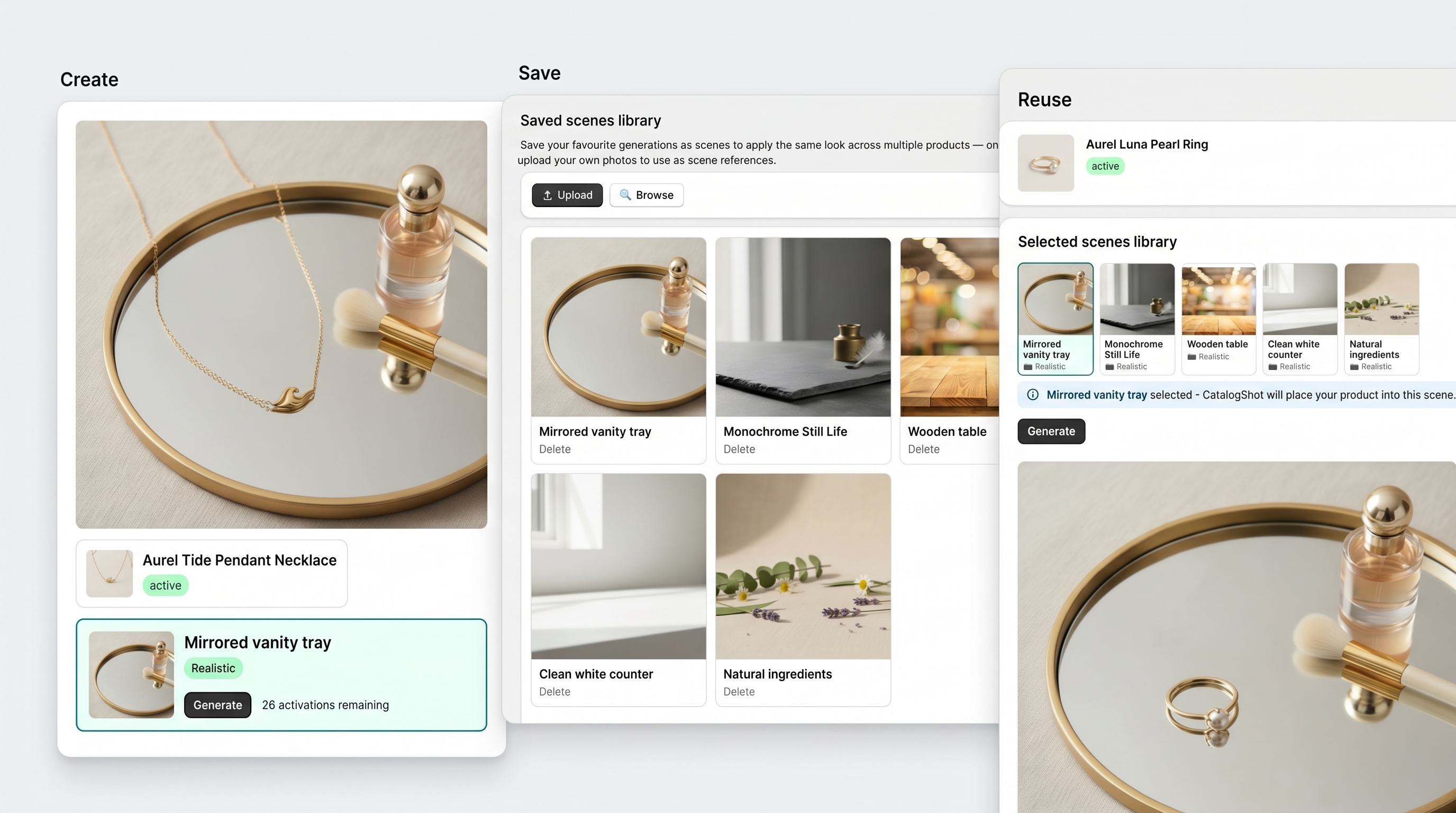
CatalogShot proof composition showing catalog transformation and reusable scene workflow
Catalog workflow

One product, whole catalog, reusable scenes

Generate a result, save the look that works, and reuse it across your Shopify catalog with a more consistent visual system.

How it works

From plain product photo to publishable catalog image.

CatalogShot turns the workflow into a repeatable system: generate for one product, save scenes that work, and apply them across your Shopify catalog.
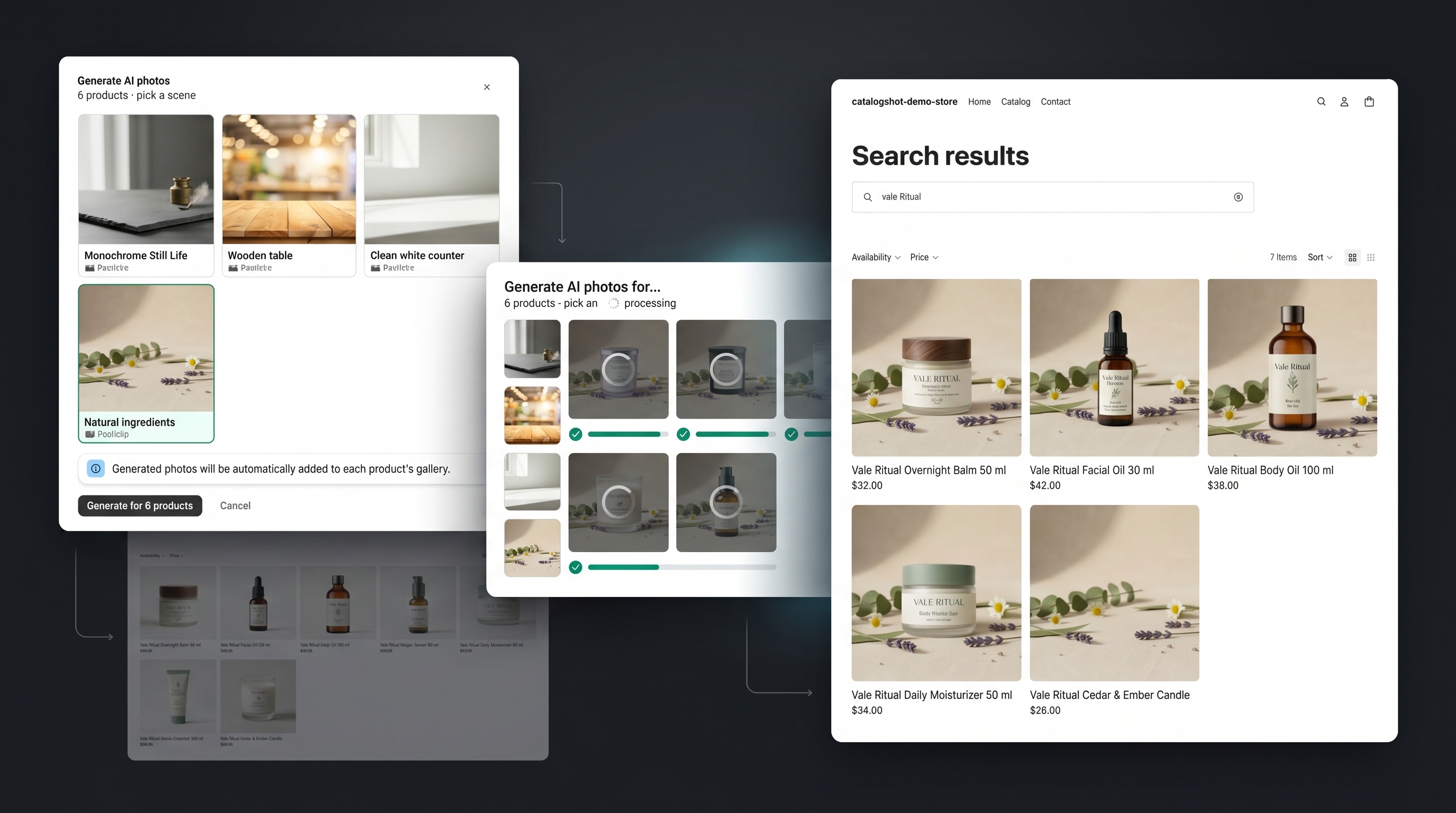
CatalogShot bulk workflow composition showing apply scene settings, generation progress, and updated Shopify catalog results
01

Generate for one product

Start from the product photo already in Shopify and generate a lifestyle result that fits.

03

Apply across your catalog

Generate, approve, and push updated images back to Shopify at catalog scale.
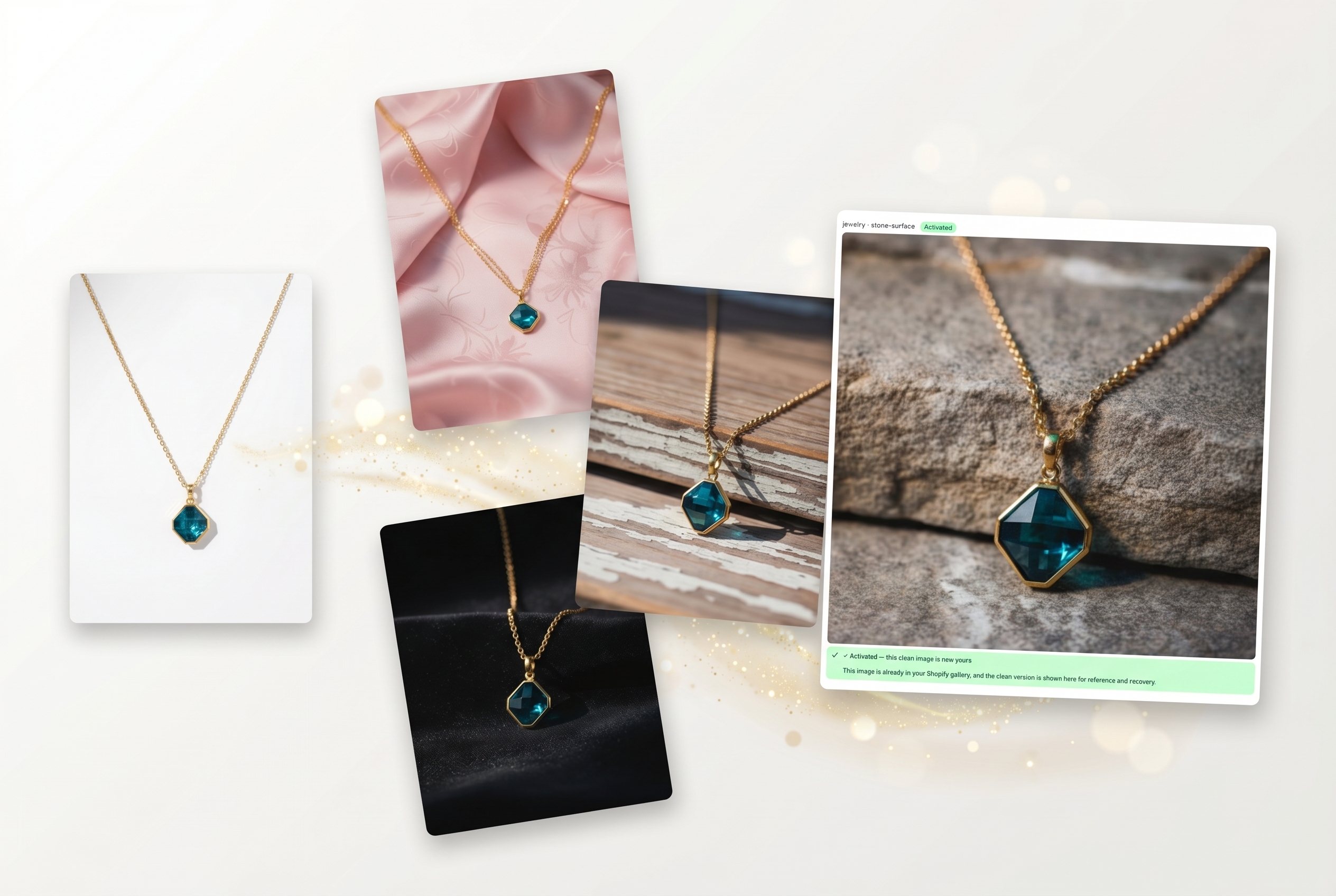
CatalogShot collage showing one original product image, multiple generated variations, and one activated winning result

Generations vs activations

Generate options. Activate the winners.

CatalogShot is built around a simple workflow merchants instantly understand: create multiple strong options from one source image, then activate only the images worth keeping in Shopify.

Generations

Create options before you commit

Generate multiple polished, full-resolution scenes from a single product photo — no watermarks, ready to use — so merchants can compare looks, explore directions, and pick the best fit.

Activations

Only keep the winners

An activation is the image a merchant approves and adds back to Shopify. Publishing approved photos to your store is free and unlimited — keeping the workflow clear from first generation to live product.

More creative choice, full-resolution results from the first generation, and a clear path from plain packshot to published catalog image.

Why CatalogShot feels smarter

Most tools generate images. CatalogShot helps you work through a catalog.

CatalogShot starts with the real product, suggests scenes that fit, and makes it practical to generate and publish images across dozens or hundreds of products.

What CatalogShot does

  • Analyzes the real product image
  • Suggests scenes that fit the category
  • Preserves your exact product — colors, proportions, and label text stay pixel-perfect
  • Works across the Shopify catalog in bulk

Why that matters

  • Better first-pass results
  • Less manual prompting
  • More usable outputs across similar products
  • Faster path from product photo to published catalog image

Pricing

Simple plans. No credit nonsense.

Clear monthly pricing that matches how merchants actually want to buy software.

All plans include

  • AI scene suggestions
  • Generate and review photos inside Shopify
  • Apply approved images back to products
  • Saved scenes and reusable environments

What changes by plan

  • Monthly generation allowance
  • Per-generation pricing beyond your plan's allowance
  • How much catalog volume you can handle
Start free Pay as you go is $0/month — 3 free images every month, no commitment

All paid plans are billed monthly in Shopify.

Pay as you go
$0/mo
  • 3 generations/mo included
  • $0.59 per generation after that
Get started
Starter
$19/mo
  • 150 generations/mo included
  • $0.49 per generation after that
Get started
Scale
$99/mo
  • 1000 generations/mo included
  • $0.25 per generation after that
Get started

Ready to launch better visuals?

Turn your catalog into premium product photography.

Start with the product photos you already have. Let CatalogShot handle scene suggestions, generation, and catalog publishing.

Add to Shopify